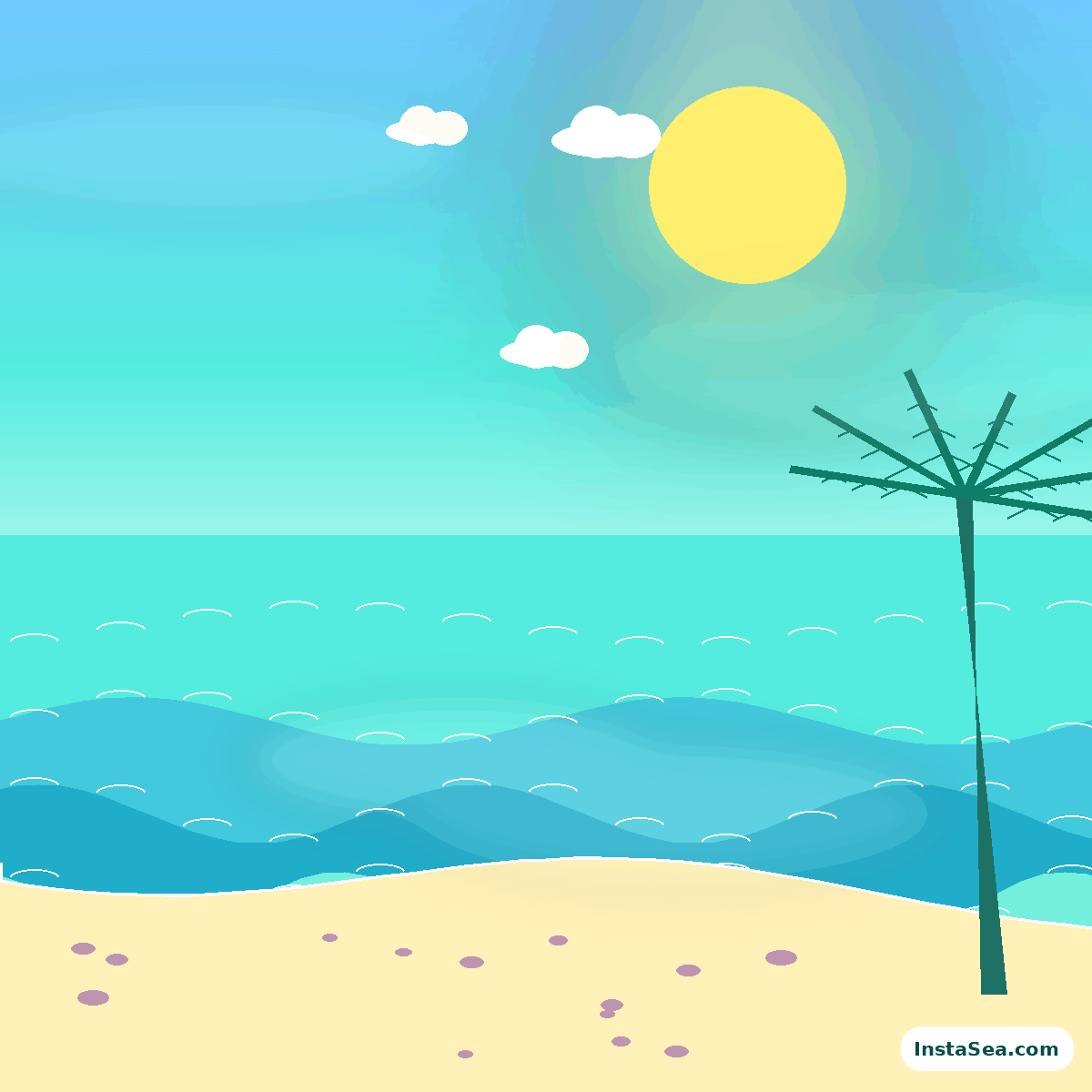
Lagoon Pop
Aqua lagoon, yellow sun, coral accents, and an open central crop.
Download six bright 1200 × 1200 PNG scenes for profile-photo composites, social posts, visual direction, and tropical moodboards. Every file is included locally in this static site.
Use the download buttons for the full PNG files. The small InstaSea.com mark identifies the original source and stays inside the crop-safe edge.
Aqua lagoon, yellow sun, coral accents, and an open central crop.
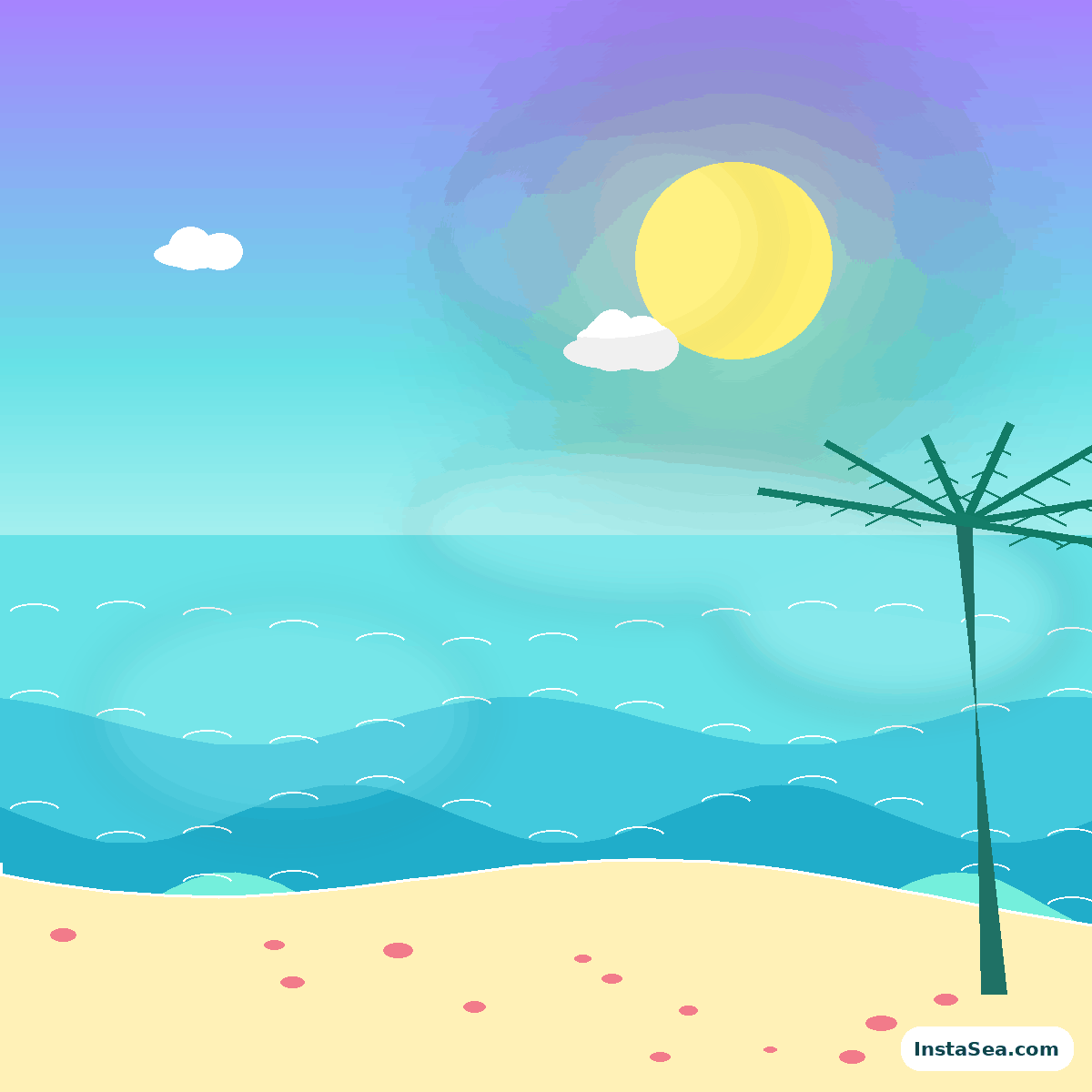
Warm coral horizon, violet atmosphere, and graphic tropical depth.
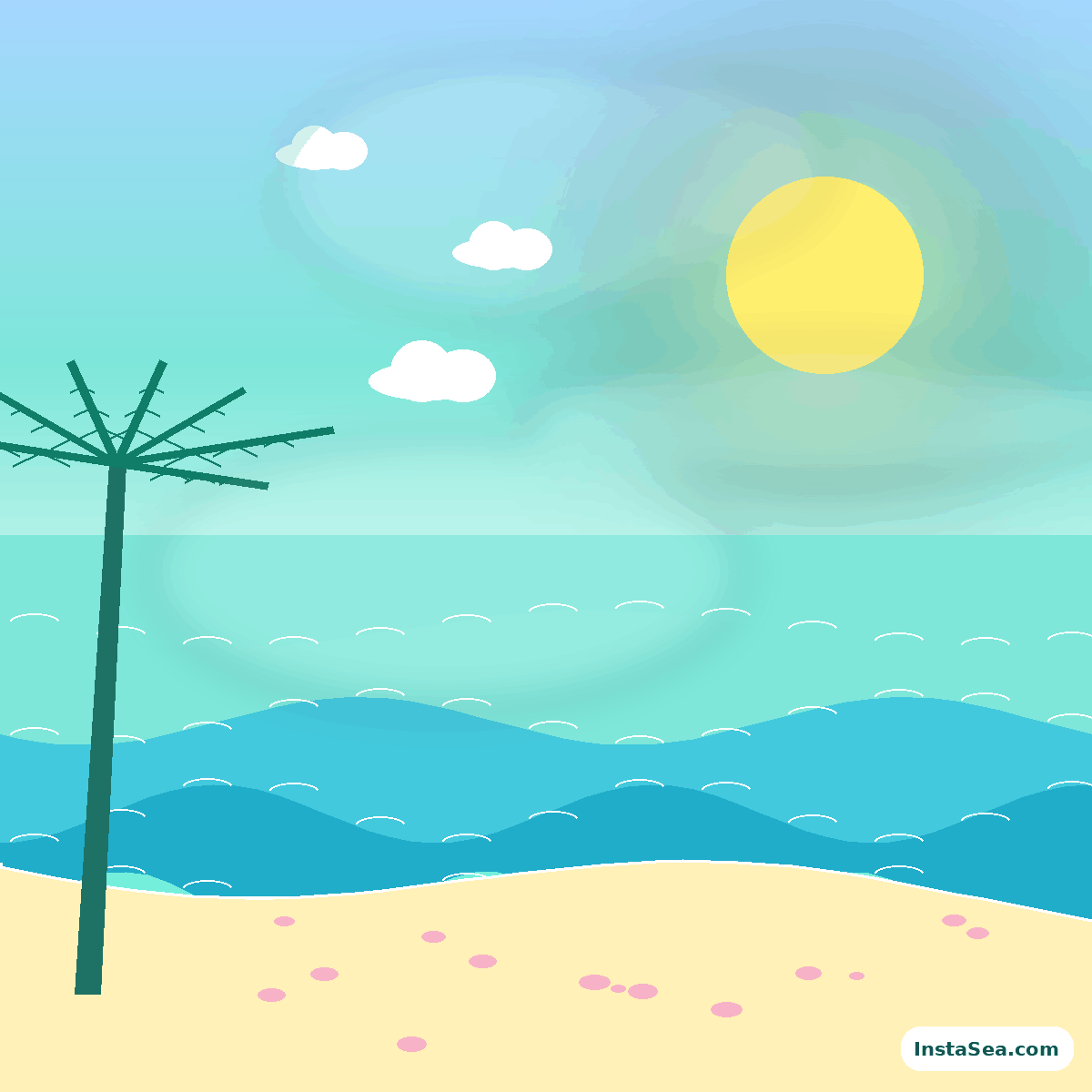
Soft mint, pale sky, and a low-contrast editorial morning palette.
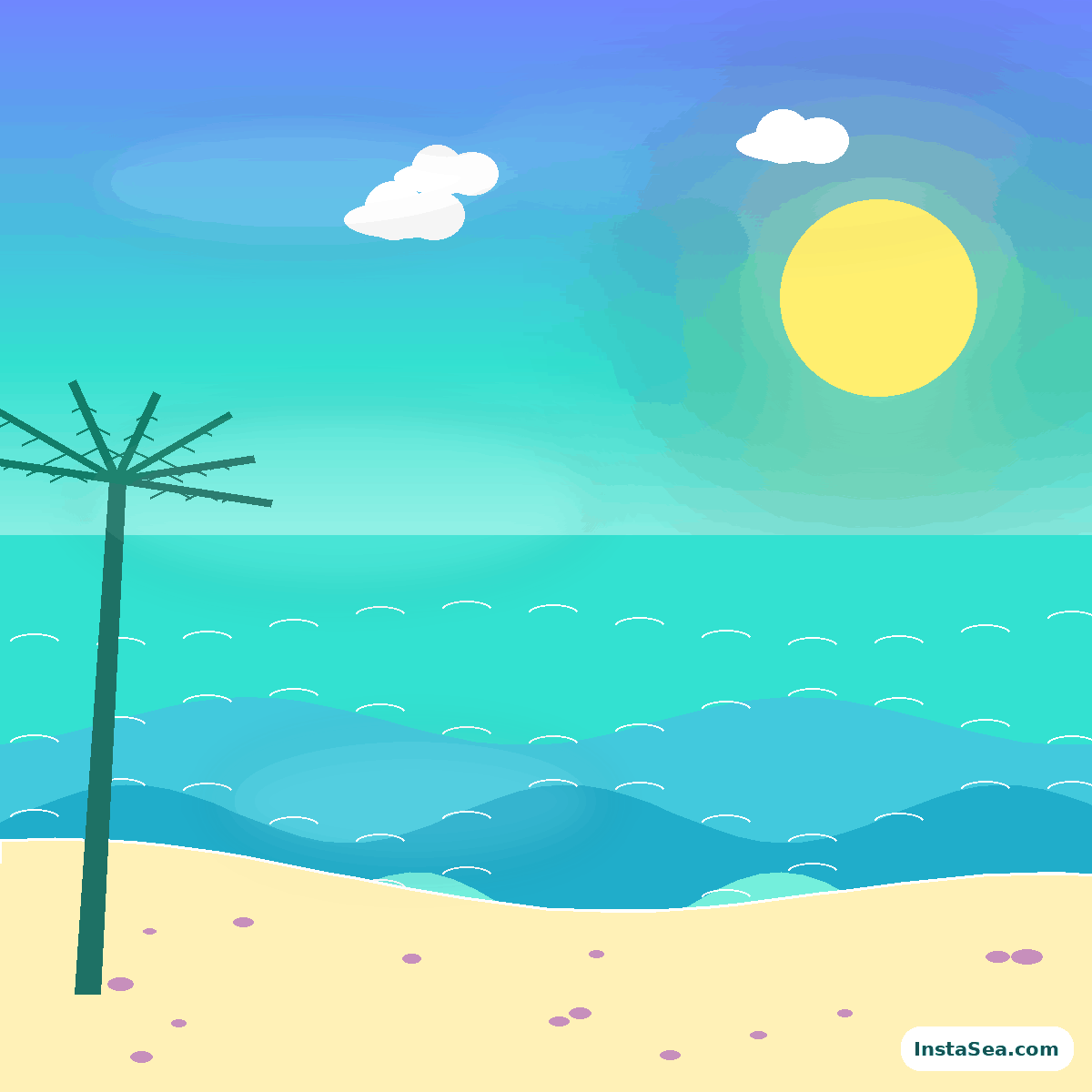
High-energy aqua, pink, blue, and sun yellow for bold social graphics.
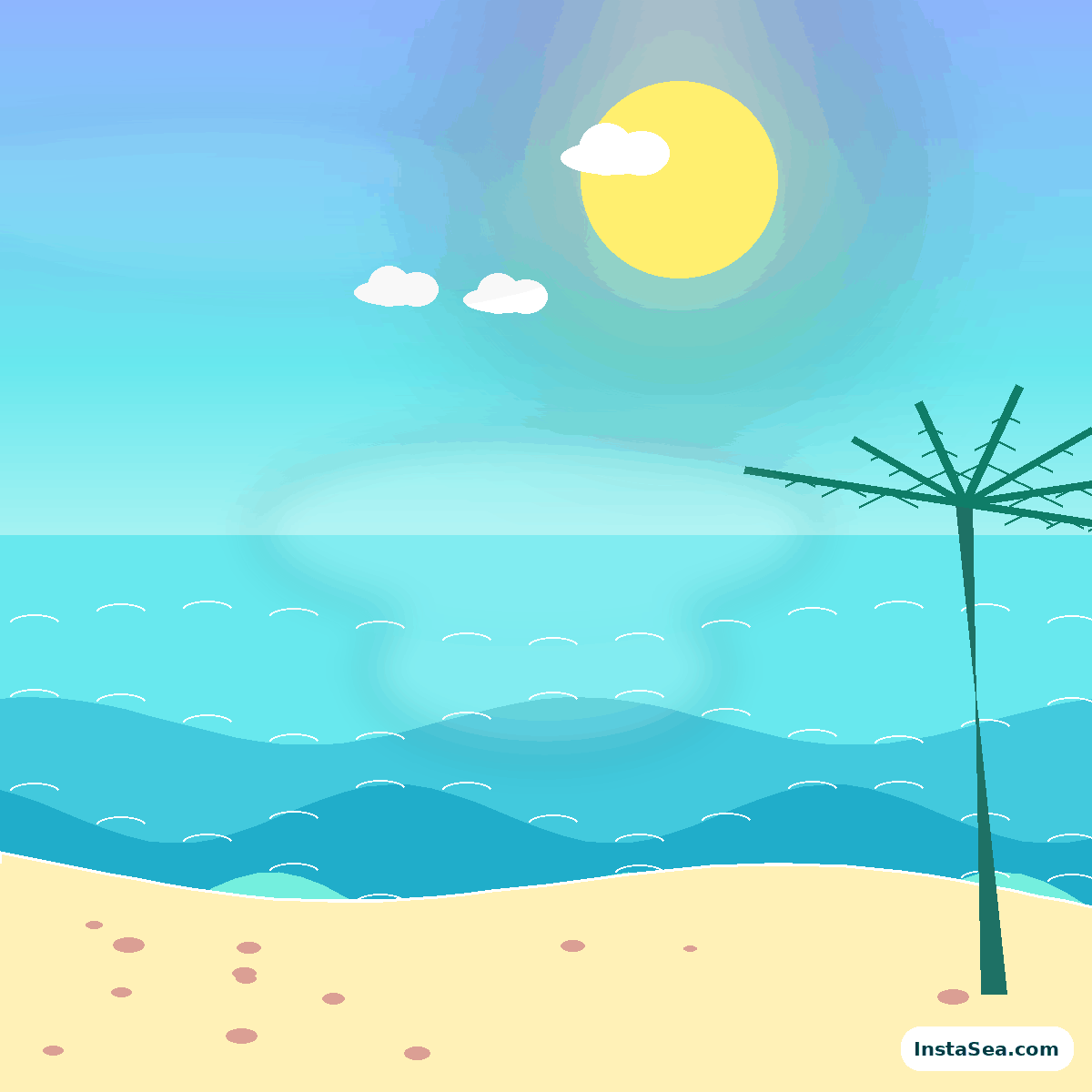
Peach-gold light, calm blue water, and gentle negative space.
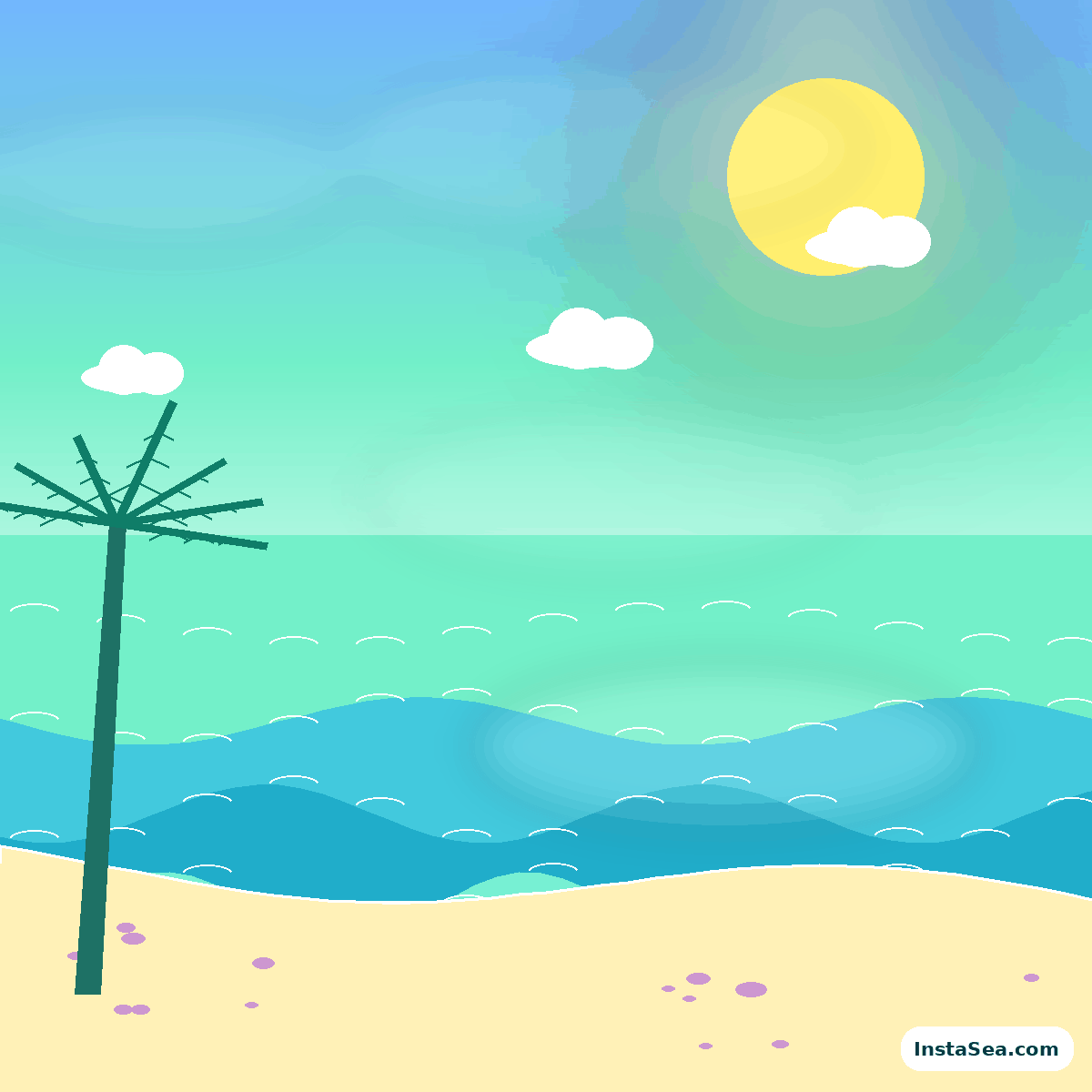
Fresh mint and cream with bright coastal structure and palm movement.
Each background uses a broad central zone, a readable horizon, and decorative weight toward the edges.
Keep the face, hair, and essential accessories inside the central 70 percent. Let palms and small accents live near expendable corners.
Place the horizon clearly above or below the shoulders. A line through the neck makes the subject look pasted into the scene.
Use the visible sun and shadows as a guide. Add warm edge light or cool open shade to the person so both layers share one moment.
These original backgrounds are provided as part of the InstaSea.com site package for personal projects, editorial examples, profile-photo experiments, and nonexclusive visual direction. Do not sell or redistribute the unmodified files as a competing asset pack.
Keep the visible InstaSea.com source mark when sharing the background itself. A commercial campaign that needs unmarked or custom variations should request permission by email.
Contact [email protected] →Do not cut a face from one image and drop it onto the coast without matching exposure, softness, and color temperature. Add a feathered mask, subtle contact or rim light, and enough background blur to support the camera perspective.
For a fully generated portrait, include the selected background description inside the prompt so the system builds the light and subject together.
Open 35 background prompts →Choose the closest environment in the prompt generator, then refine color, light, and crop to match the downloaded scene.